

How Mitratech Preparis helps you alert people, run the plan and keep the record
Quick answer: what to do when Microsoft 365 is down
When Microsoft 365 email and calendar services are down, confirm the fault is Microsoft’s, name who is in charge, send the first alert by text, voice or push instead of email, ask for replies, move your crisis team to a phone bridge and update people on a fixed schedule.
The Microsoft 365 outage began on November 12 and was still being resolved at the time of writing. Problems started in the evening in the UK, ran into the next day and disrupted Exchange Online email and calendar, Copilot and other services that depend on them, and affected Teams for some users. Microsoft said it did not suspect malicious activity. It isn’t a one-off. Microsoft 365 had a major Outlook and Teams outage on January 22, 2026, and a roughly 19-hour Exchange and Teams outage in July 2025 .
When Outlook and other Microsoft 365 services go down, the tools you’d use to respond are the ones affected. You may need to tell hundreds of people what to do, and the usual ways of doing it are unavailable or unreliable.
Key takeaways:
- A Microsoft outage takes away how you reach people, where your plans live, how your team meets and your record of decisions.
- Email and Teams share Microsoft infrastructure, so neither is a dependable backup for the other. You need a way to reach people that doesn’t depend on either.
- The eight steps below take you from first alert to review, and show how Mitratech Preparis helps at each one.
This guide walks through the first hours of a Microsoft outage, one step at a time. Each step covers what to do, how Mitratech Preparis helps, and what to say. If you use another tool, or a simple phone tree, the checklist still works.
What does a Microsoft 365 outage take away?
Email is only the start. When Outlook and Microsoft 365 services go down, you can lose four things at once: the way you reach people, the place your contact lists and plans live, the way your team meets, and the record of who decided what.
The usual fallback makes it worse. Ask most teams what they’d do if Teams went down and the answer is “send an email.” But Outlook and Teams share a provider, and on November 12, email and calendar were down, and Teams was disrupted for some users. A backup only works if it doesn’t fail the same way. That means a route that doesn’t depend on either one: a text, a phone call or a push notification to someone’s phone. It also means knowing who has seen your message, not just that you sent it.
That’s where Mitratech Preparis, the business continuity and emergency notifications product, comes in. Organizations use it to plan for disruption, reach their people when something goes wrong, and coordinate and record the response. It brings together four tools: Preparis Alerts (two-way messages by text, voice, push and more, plus conference calls), Planner (business impact analysis and continuity plans), Incident Manager (a shared space to run a response) and IT Disaster Recovery planning.
Incident communication checklist: 8 steps when Microsoft 365 is down
- Name who is in charge, and who sends.
- Send the first alert by text, voice and push, not email
- Ask for a reply that tells you something
- Move your crisis team onto a phone bridge
- Give everyone one place to check
- Chase the silence and check the impact
- Keep a steady rhythm of updates
- Log it, close it and review it
Step 1: Who is in charge, and who sends the alert?
First, confirm the problem is Microsoft’s and not yours. Check Microsoft’s service status page, because your admin center may be out of reach too. Then decide who declares the incident, who approves the first message and who sends it, and name a deputy for each. Don’t wait for an approval email that may never arrive. Agree the approver by phone or text.
In Mitratech Preparis, sending an alert automatically creates an incident, so your record starts the moment you act. You can also create an incident without sending anything, which helps if you want to log the situation first. Give it a clear name, such as “Microsoft 365 outage,” and choose a type from the built-in categories or your own. Crisis team contact details sit on one page by location, so nobody is searching a mailbox for phone numbers.
Step 2: How do you send the first alert without email?
Your first message has one job: say what’s happening, what to do and where to look next. Send it on channels that don’t depend on Outlook or Teams. Keep it short.
Mitratech Preparis Alerts works as a mass notification tool: you choose one or more delivery methods for each message: text, voice, push, desktop notification or email. Select several at once so the message finds people however they’re reachable. You can also send alerts to people’s personal phone and personal email, which helps when work mailboxes are the problem, like in the case of the Microsoft outage.
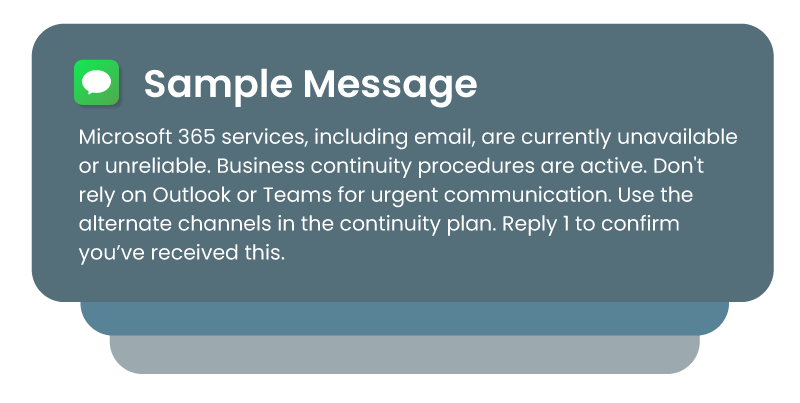
Sample first message:
Microsoft 365 services, including email, are currently unavailable or unreliable. Business continuity procedures are active. Don’t rely on Outlook or Teams for urgent communication. Use the alternate channels in the continuity plan. Reply 1 to confirm you’ve received this.
Step 3: What reply should you ask for?
A message nobody answers tells you nothing. Ask for a reply, and make the choices useful. Safety-style replies like “I’m OK” don’t tell you whether someone can work. In a technology outage, define your own: 1 for “I can respond,” 2 for “I can’t access my tools,” 3 for “I need help.”
With Mitratech Preparis, set the reply options so that every response lands on one dashboard. Then you can see at a glance who can work, who can’t and who needs help.
Step 4: Where does your crisis team meet if Teams meetings fail?
If Teams meetings are unavailable or unreliable, your crisis team needs somewhere to meet. A phone bridge works on any phone, with no link to find.
When Mitratech Preparis calls your crisis team, they press any key to join. There’s no dial-in number, no PIN and no Teams. Afterward you can see who joined and for how long.
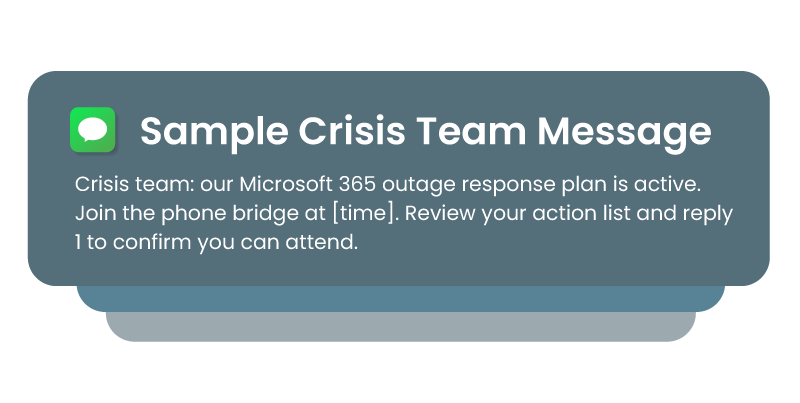
Sample crisis team message:
Crisis team: our Microsoft 365 outage response plan is active. Join the phone bridge at [time]. Review your action list and reply 1 to confirm you can attend.
Step 5: Where should everyone look for updates?
People will keep opening Outlook. Tell them where to look instead, and pick somewhere that still works. Put it in your first alert so nobody has to ask.
Mitratech Preparis gives you two ways to do that. A call-in announcement gives employees a phone number to ring for the latest update, and it works even when the internet is unreliable. You can type the update or record it, and change it as the situation moves. A login message appears for anyone who signs in to the Preparis portal or mobile app. They have to acknowledge it before they carry on, so you can see who has read it.
See Mitratech Preparis in Action
Book a walkthrough built around a collaboration outage: activate the plan, send alerts, track replies and coordinate the response.
Book a demoStep 6: How do you follow up on missing replies and check impact?
Two questions matter once your first alerts are out: who hasn’t replied, and what is affected?
Start with the gaps. Check your dashboard for anyone who hasn’t responded and follow up on another channel, because someone who ignored a text may answer a call. Then ask business leaders for a quick impact check with simple reply codes.
In Mitratech Preparis, automatic re-send follows up with anyone who hasn’t replied. If you’ve set up escalation, an unanswered text can be followed by a call. If someone phones in instead, you can mark them as responded by hand. Send the impact check to leaders only, by role or department, and their replies land on the same dashboard. You can see how big the problem is without chasing anyone.
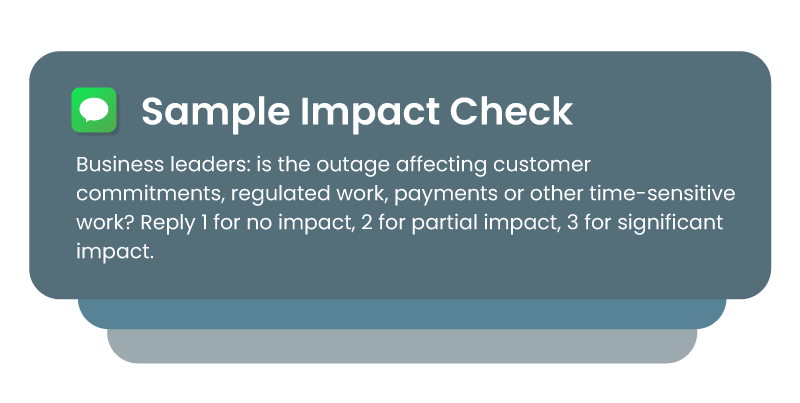
Sample impact check:
Business leaders: is the outage affecting customer commitments, regulated work, payments or other time-sensitive work? Reply 1 for no impact, 2 for partial impact, 3 for significant impact.
Step 7: How often should you send updates?
People handle bad news better than silence. Say what you know, what you’re doing and when the next update is coming. “No change” is still an update.
In Mitratech Preparis, schedule messages in advance with Send Later and set how often they repeat, so updates go out on time while you’re busy. Save and pin your message templates so you’re never writing from scratch.
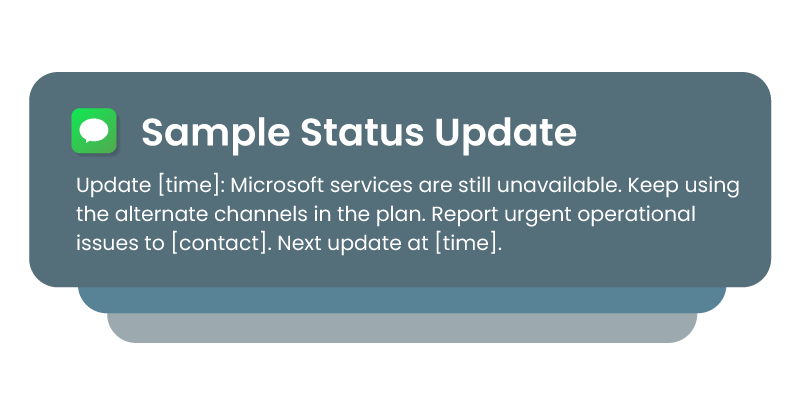
Sample status update
Update [time]: Microsoft services are still unavailable. Keep using the alternate channels in the plan. Report urgent operational issues to [contact]. Next update at [time].
Different groups need different communication:
| Audience | Example message |
| IT recovery team | Microsoft 365 outage response plan is active. Begin your recovery workflow and post a status update every 30 minutes. |
| Executives | Situation summary: Microsoft 365 has been unavailable since [time]. Impact so far: [summary]. Decisions needed by [time]: [list]. |
| Customer-facing teams | Use the approved customer holding statement. Don’t give recovery estimates until IT confirms status. |
| Site or location teams | Our office network is working, but Outlook and Teams aren’t. Use the phone bridge and local procedures until further notice. |
| Critical vendors | Our Microsoft 365 services are unavailable. Please confirm your support contact channel is working. Reply 1 if it is. |
Step 8: How do you log, close and review the incident?
When service returns, tell people, then capture what happened while it’s fresh.
Mitratech Preparis records what you sent, who received it and how they replied as you go, along with timestamped notes. For larger responses, Incident Manager gives your team one place to assign actions and record actual recovery times against your targets.
Sample recovery message:
Microsoft services are being restored. You can return to Teams and Outlook as they come back. Please keep logging business impacts, delayed work and any workarounds you used. A short review will follow.
Then hold the review. Write down what worked, what didn’t and who needs a new action. A tabletop exercise built around this scenario is a good next step.
How do you prepare for the next Microsoft 365 outage? A 30-minute setup list
With the steps above in place, the first hour of an outage looks different. One authorized person sends a single message, and within minutes you can see who has replied and who hasn’t. The crisis team is on a phone bridge while IT works on the fix. Business leaders have reported their impact with one reply each. Employees know where to look for updates, so nobody is guessing.
Afterward, you have a timestamped record of who was told what, what was decided and how long recovery took. When leadership, auditors or the board ask what you did, you can show them.
Most of what slows a response down can be fixed in advance:
- Ask people to install the mobile app and the desktop app and to allow notifications. Push and desktop alerts only reach people who have.
- Check contact details, including personal phone and email. Our emergency notification best practices cover keeping them current.
- Build your groups: crisis team, IT recovery, business leaders, executives, site teams and customer-facing staff.
- Save and pin templates for the five messages above.
- Record your call-in announcement.
- Ask what happens if your single sign-on service is down.
- Add Microsoft 365 to your business impact analysis, with a recovery time and a workaround. If you track Microsoft as a supplier, link that work to your third-party risk program, so the response plan matches the risk you’ve recorded. Our guide to building a business continuity plan is a good place to start.
- Run the scenario before you need it. Our guide to business continuity testing shows how.
How Mitratech Preparis helps you prepare for the next outage
Disruptions like this are a reminder for every organization. Mitratech Preparis brings continuity planning, alerts and incident management together, so your team can reach people, run the plan and keep the record when the usual tools aren’t there. See how Mitratech Preparis works or book a demo.