
If it’s doing neither, here’s what to change. Slow checks cost you candidates. Manual processes create compliance exposure. And a bad hire costs far more than the time you saved rushing the screen. This page explains what background screening software does, what your business actually needs, and what separates a strong solution from a gap-filler.
Slow Screening, Compliance Risk, and Bad Hires Aren't Costs You Have to Accept.
Most background screening problems come from the same place — a process built on manual workarounds, disconnected tools, and compliance rules that change faster than anyone can track. Here's what that costs you.
-
You're losing candidates to slow turnaround
Top candidates won’t wait a week for results. When checks stall on county courts, phone follow-ups, or paper forms, your offer window closes and the search starts over. With the right platform, speed and compliance rise together.
-

Compliance requirements change faster than your process does
FCRA workflows, ban-the-box laws, and adverse action rules vary by state and update constantly. Knowing which rules apply to which roles in which jurisdictions, and enforcing them consistently across every hire, is more than most HR teams can manage by hand. One missed step creates real legal exposure.
-

Inconsistent screening leaves you exposed
Skipping checks under time pressure, or running different packages for similar roles, creates negligent hiring liability. If an employee causes harm and a relevant check was never run, your organization is accountable. Every hiring decision needs a consistent, documented process behind it.
-
Disconnected tools create gaps you can't see
Stitching together a legacy vendor, manual verification calls, and an ATS that doesn’t integrate means duplicated data entry, no audit trail, and no way to enforce standards across hiring managers or locations. When something goes wrong, you have nothing defensible to point to.
Replacing a bad hire can cost up to 200% of their annual salary — before you factor in legal exposure. A reliable screening process pays for itself.
What is background screening software?
Background screening software is a platform that automates verifying candidates’ identities, employment histories, criminal records, and credentials, through compliance-guided workflows that tell your team exactly what they can act on and how.
Before dedicated platforms existed, this was entirely manual: faxed consent forms, phone calls to former employers, weeks waiting on court clerks, and a spreadsheet to track it all. That approach is too slow, too inconsistent, and too legally fragile for any organization hiring at scale or across multiple states.
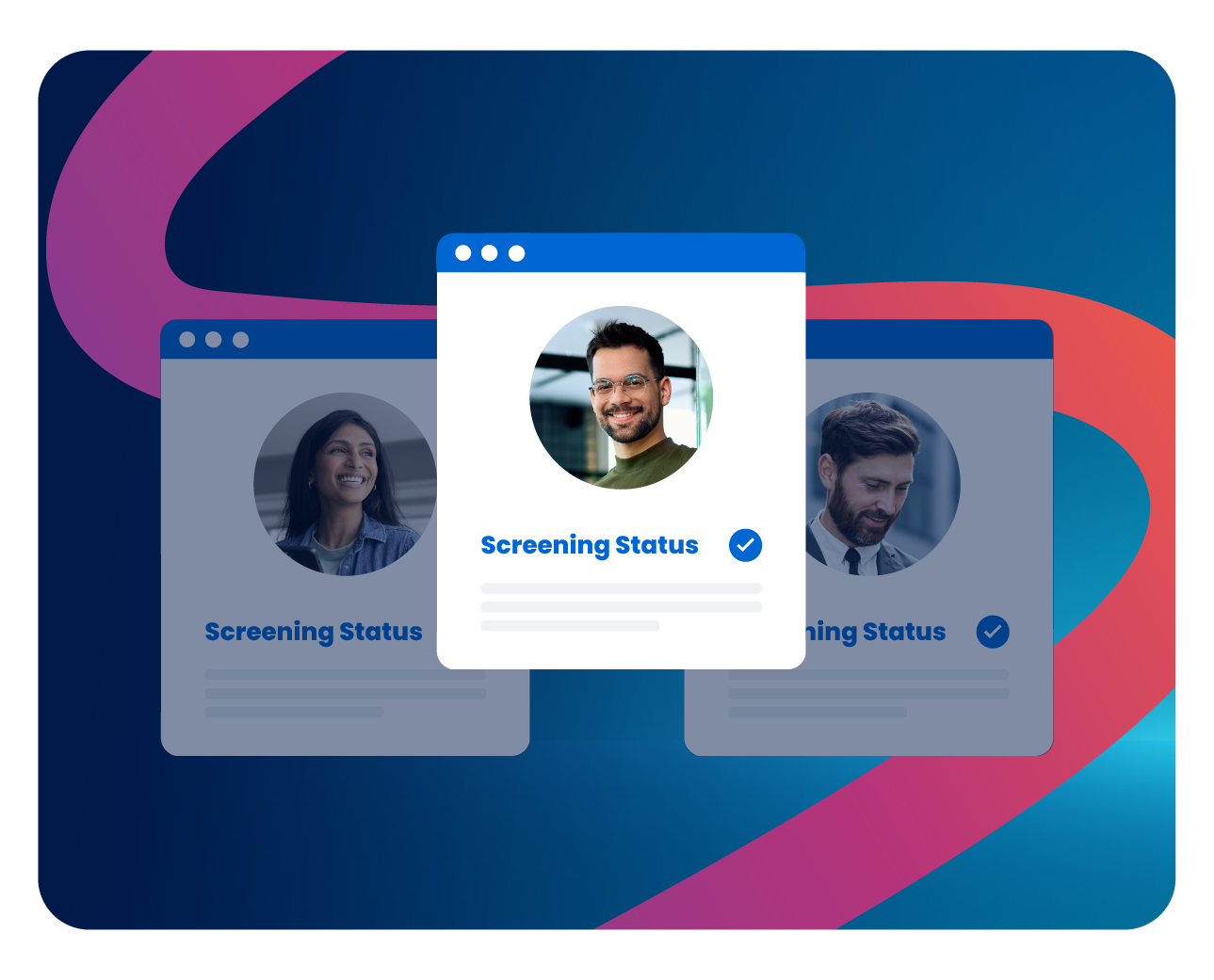
How the background screening process works
- Hiring manager initiates: Usually from within their ATS or directly in the platform, in about a minute.
- Candidate consents: The candidate receives a digital consent request, often on mobile, and authorizes it quickly.
- Searches run automatically: The platform searches county courts, federal databases, employment registries, and licensing boards, then returns a compliance-flagged report.
- Adverse action guided: If a result calls for an adverse action, the platform walks the team through the required FCRA notice process step by step.

What should background screening software do for your business?
A strong platform does more than run searches and return data. It improves outcomes across your hiring process and keeps protecting your business after the hire.
-
Enforce compliance automatically, across every jurisdiction
The strongest platforms build FCRA requirements, EEOC guidance, ban-the-box timing, and state-specific adverse action rules into the workflow, so HR doesn’t have to remember what each state requires.
-
Compress time-to-hire without increasing risk
Direct database integrations, automated form-fill, and mobile consent remove the manual bottlenecks that slow most programs down, so speed and compliance improve together.
-
Enable consistent, role-appropriate screening
Configurable packages let you match checks to risk: license verification and OIG exclusion checks for a healthcare worker, an MVR check for a driver, a credit check for a finance hire. Proportionate screening is more defensible and more cost-effective than running every check for every role.
-
Keep watching after the hire is made
Pre-employment screening is a snapshot, and circumstances change: new charges, license suspensions, financial violations. Continuous post-hire monitoring watches for changes that affect your risk and alerts HR when action may be needed.

Background check vs. background screening
A background check is a single event. Background screening software is the infrastructure that makes checks fast, consistent, compliant, and scalable, whether you hire 10 people a year or 10,000.
Do you actually need background screening software?
Not every organization needs an enterprise platform on day one. But for most employers, of any size, dedicated software meaningfully reduces risk and workload compared with manual alternatives. Here’s how to assess where you stand.
You probably need it if…
- You hire across multiple states. Ban-the-box laws, credit-check restrictions, and adverse action requirements vary significantly by jurisdiction. Enforcing the right rules automatically is far safer than tracking every local update by hand.
- You’re in a regulated industry. Healthcare, financial services, transportation, and education carry heightened obligations such as OIG exclusions, FINRA verification, DOT compliance, and professional license checks. These don’t forgive manual oversight.
- Your checks are slowing down hiring. If screening regularly holds up offers and you’ve lost candidates in that window, faster software pays back quickly.
- You’ve had a compliance close call. A candidate dispute, an EEOC inquiry, or the realization that your adverse action process wasn’t fully FCRA-compliant is a clear signal. Fixing a compliance failure costs far more than preventing one.
- You can’t answer “what checks did we run for this hire?” No consistent audit trail means no defensibility if a hiring decision is ever challenged.
- You’re running high-volume or hourly hiring. At scale, manual processes break down. Automation keeps standards consistent across every location, manager, and requisition.
What about smaller businesses?
Smaller teams sometimes assume this software is only for large enterprises. In practice, the compliance risks are proportionally just as significant, and smaller HR teams have even less capacity to track FCRA and state-level requirements by hand. A single compliance failure can cost more than years of platform fees, and many providers offer volume-based pricing that makes enterprise-quality compliance accessible at any scale.
What types of background checks does your business need?
Protecting people is another reason background screening matters. Many roles put employees in close contact with people in vulnerable situations, whether that's a nurse with a patient, a teacher with students, or a technician in someone's home, and specific checks are what guard against the risk of harm. The right mix depends on your industry, the roles you hire for, and your regulatory environment. Here are the most common check types and when they apply.
-
Criminal background checks (county, federal, multi-jurisdictional)
Search public court records for convictions and pending charges at the county, state, federal, and multi-jurisdictional level. The foundation of most programs, and essential for roles with access to customers, sensitive data, finances, or vulnerable populations.
-
Employment verification
Confirms stated work history: employers, titles, dates, and rehire eligibility. Because resume embellishment is common, this verifies a candidate’s experience before you rely on it.
-
Education verification
Validates degrees, diplomas, and certifications with the issuing institutions. Important for roles with specific qualification requirements, and a deterrent to falsification.
-
Healthcare: OIG exclusion checks, sanctions, and license monitoring
Hiring an excluded provider can trigger significant federal penalties. Healthcare screening includes OIG exclusion checks, state Medicaid exclusion lists, SAM.gov debarment searches, and license verification, with continuous monitoring to keep them current throughout employment.
-
Motor vehicle record (MVR) check
Reviews driving history (violations, suspensions, accidents, DUIs) through state DMV records. Required for roles involving company vehicles or commercial driving. For CDL holders, CDLIS searches cover the Commercial Driver’s License Information System.
-
Professional license verification
Confirms that licenses and certifications are valid, current, and in good standing. Non-negotiable for healthcare, legal, and financial roles where a lapsed or fraudulent credential creates direct liability.
-
Financial services: credit checks and FINRA verification
FINRA BrokerCheck confirms a candidate is registered and in good standing; credit checks assess financial responsibility for roles handling client funds. These carry specific disclosure and consent requirements in regulated industries.
-
Credit report
Reviews credit history and payment patterns, most relevant for roles with financial responsibility or access to company funds. Regulated in several states with specific consent disclosures, so always run through a compliant platform.
-
Sex offender registry search
Cross-references national and state registries. Essential for roles involving contact with minors, patients, residents, or other vulnerable populations, and standard in healthcare, education, and childcare.
-
Commercial Drivers License Information System
For companies hiring drivers, CDLIS provides access to a centralized database. Screen for a driver’s commercial license (CDL) and any violations, suspensions, or disqualifications. Ensure that potential hires meet the qualifications and have a clean driving record.
-
Social Media
Reviews candidates’ public social media profiles and online activity to assess cultural fit, character, and potential red flags. Not all screening platforms include this — look for it as a feature in best-in-class tools.
-
Continuous monitoring (post-hire)
Watch your existing workforce against criminal, MVR, licensing, and sanction-list changes, with real-time alerts. Critical in healthcare, financial services, and transportation, and increasingly standard for any role with significant ongoing responsibility.









Why Mitratech AssureHire
How Mitratech’s background screening solutions measure up
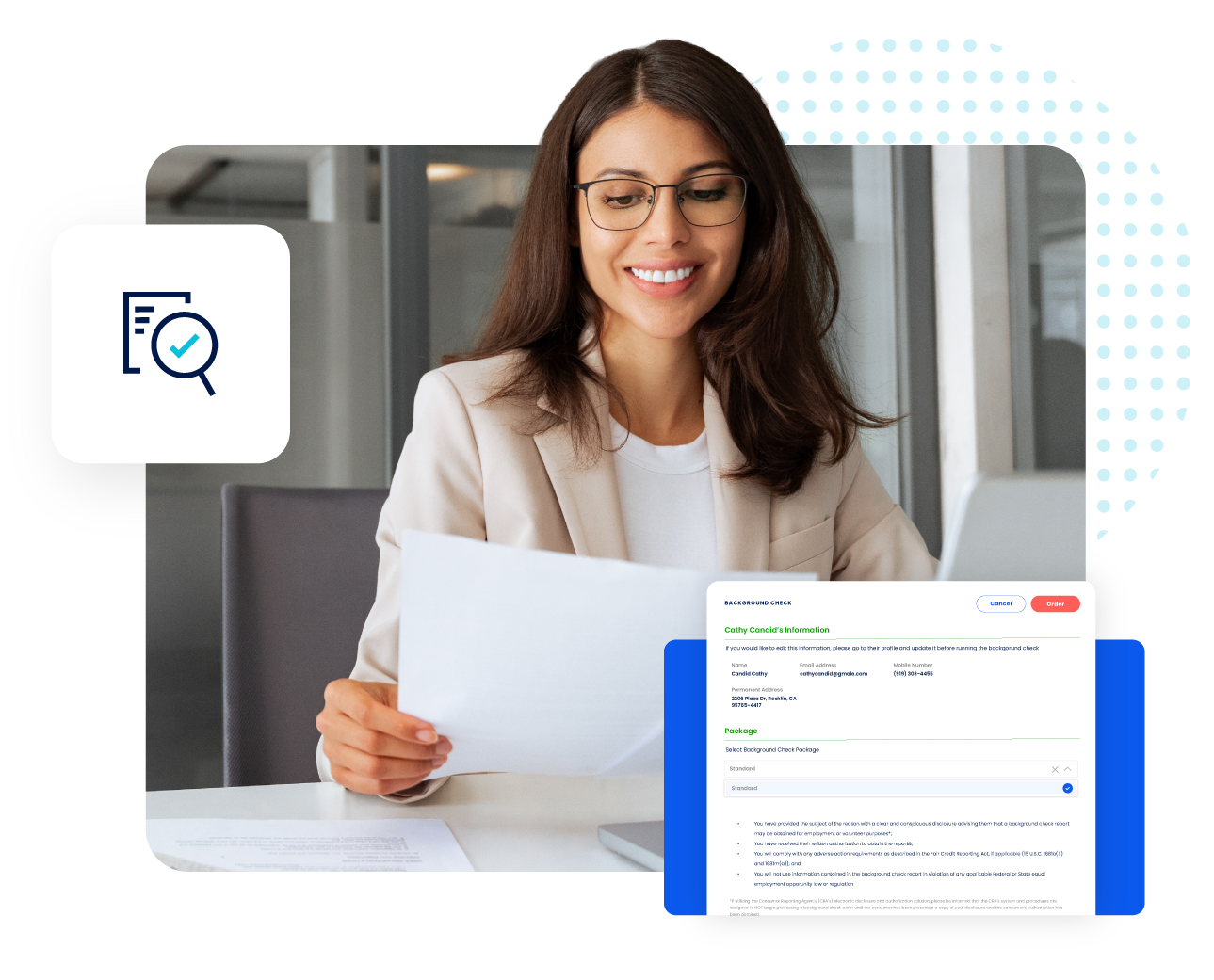
Mitratech’s background screening solutions are our PBSA-accredited, SOC 2-certified background screening platform, built to move fast without cutting compliance corners. It’s designed against the criteria above: accredited and secure by default, with compliance enforced at every step (FCRA, EEOC, ban-the-box, and the full adverse action process), configurable packages by role and industry, native ATS and HRIS integrations, continuous post-hire monitoring through its AssureAlert program, and U.S.-based, FCRA-certified support.
For the full breakdown of check types, industry-specific packages, AssureAlert monitoring, and integrations, see the product page.
What to Look For In Background Screening Software
Once you've determined your business needs a dedicated solution, these are the criteria that separate best-in-class platforms from gap-fillers.
-
PBSA accreditation
Accreditation by the Professional Background Screening Association is the industry’s highest standard for quality, accuracy, and compliance. Accredited Consumer Reporting Agencies have passed independent audits of their data and compliance practices. Work only with accredited providers.
-
SOC 2 certification
The baseline security standard for any platform handling Social Security numbers, financial records, and sensitive personal data. Expect it as a given.
-
Fast, reliable turnaround
Direct database integrations and automation are what separate fast platforms from slow ones. Most employment checks should return within a day or two, and the best platforms return the large majority well inside that window.
-
Built-in FCRA compliance workflows.
Consent collection, ban-the-box enforcement, and adverse action notices should be enforced by the system rather than left to memory. If the platform doesn’t guide the process at every step, it’s creating risk.
-
Configurable screening packages
The platform should let you define role-specific packages instead of forcing every candidate through the same checks. Proportionate, job-relevant screening is more cost-effective and more legally defensible.
-
Mobile-first candidate consent
Candidates complete consent far faster on mobile, so well-designed mobile flows directly reduce time-to-hire.
-
ATS and HRIS integrations
Look for native connections to your applicant tracking, onboarding, and HRIS tools so results flow automatically, with no manual re-entry and no data silos.
-
Post-hire monitoring
Pre-employment screening alone isn’t a complete risk strategy. Continuous monitoring for criminal activity, MVR changes, license status, and sanction updates is increasingly standard in regulated industries.
-
FCRA-certified, responsive support
When a decision is time-sensitive or a compliance question arises, you need fast answers. Look for FCRA-certified specialists, clear response-time commitments, and U.S.-based support.



Helpful Resources
Frequently asked questions (FAQs)
What’s the difference between a background check and background screening software?
A background check is a single event: one set of searches on one candidate.
Background screening software is the platform that manages the entire process: initiating checks, collecting consent, running automated searches, enforcing compliance workflows, and guiding adverse action decisions. Software makes checks fast, consistent, legally defensible, and scalable across your whole organization.
How long does a background check take?
With a modern platform, like Mitratech’s Assurehire, most checks return within a day or two. Criminal searches against direct-access databases are typically fastest. Employment and education verifications that require institutional contact can take longer, depending on how quickly the source responds. Automation and direct integrations are what keep turnaround short for the majority of pre-employment screens.
Is background screening software worth it for a small business?
Yes, and often more so than for larger organizations. Smaller HR teams have less capacity to manually track FCRA requirements, ban-the-box legislation, and adverse action procedures, and a single compliance failure can expose a small business to significant liability. Many platforms offer volume-based pricing that makes enterprise-quality compliance accessible regardless of how often you hire.
How does background check software work?
A hiring manager initiates a check from within their ATS or directly in the platform. The candidate receives a digital consent request and authorizes it, typically on mobile in minutes. The platform runs the requested searches automatically and returns a structured report. If results require an adverse action, the platform guides HR through the required FCRA notice process. Every step is documented and auditable.
Do I need the candidate’s permission before running a check?
Yes. In virtually all employment contexts, written consent is required before a background check begins, and the FCRA requires that consent to be in a standalone document separate from the job application. Many states add further requirements. Background screening software automates consent collection, provides the required disclosures, and maintains a compliant authorization record.
What is the FCRA adverse action process?
If you intend to take a negative employment action based on background check results, the FCRA requires a two-step process. First, a pre-adverse action notice that includes a copy of the report and a summary of the candidate’s rights, giving them reasonable time to respond or dispute the findings. If you proceed, a final adverse action notice follows. Background screening software should enforce both steps automatically.
What is ban-the-box and how does it affect my hiring process?
Ban-the-box laws restrict when employers can ask about criminal history during hiring, typically until after a conditional offer. They exist at the federal, state, and local level, with significant variation. As of 2025, 37 states and the District of Columbia, plus more than 150 cities and counties, have enacted some form of ban-the-box law. A compliant platform enforces jurisdiction-specific rules automatically, so you’re not relying on HR to track every update.
What is continuous monitoring and does my business need it?
Continuous monitoring automatically watches your existing workforce against criminal activity databases, driving records, licensing boards, and sanction lists, alerting HR when something changes rather than waiting for a scheduled re-screen. It’s most critical for healthcare, financial services, transportation, and government, where an employee’s ongoing fitness for duty has direct compliance or safety implications. For other organizations, it’s a meaningful risk-management measure for any role with significant ongoing responsibility.

©2026 Mitratech, Inc. All rights reserved.
©2026 Mitratech, Inc. All rights reserved.